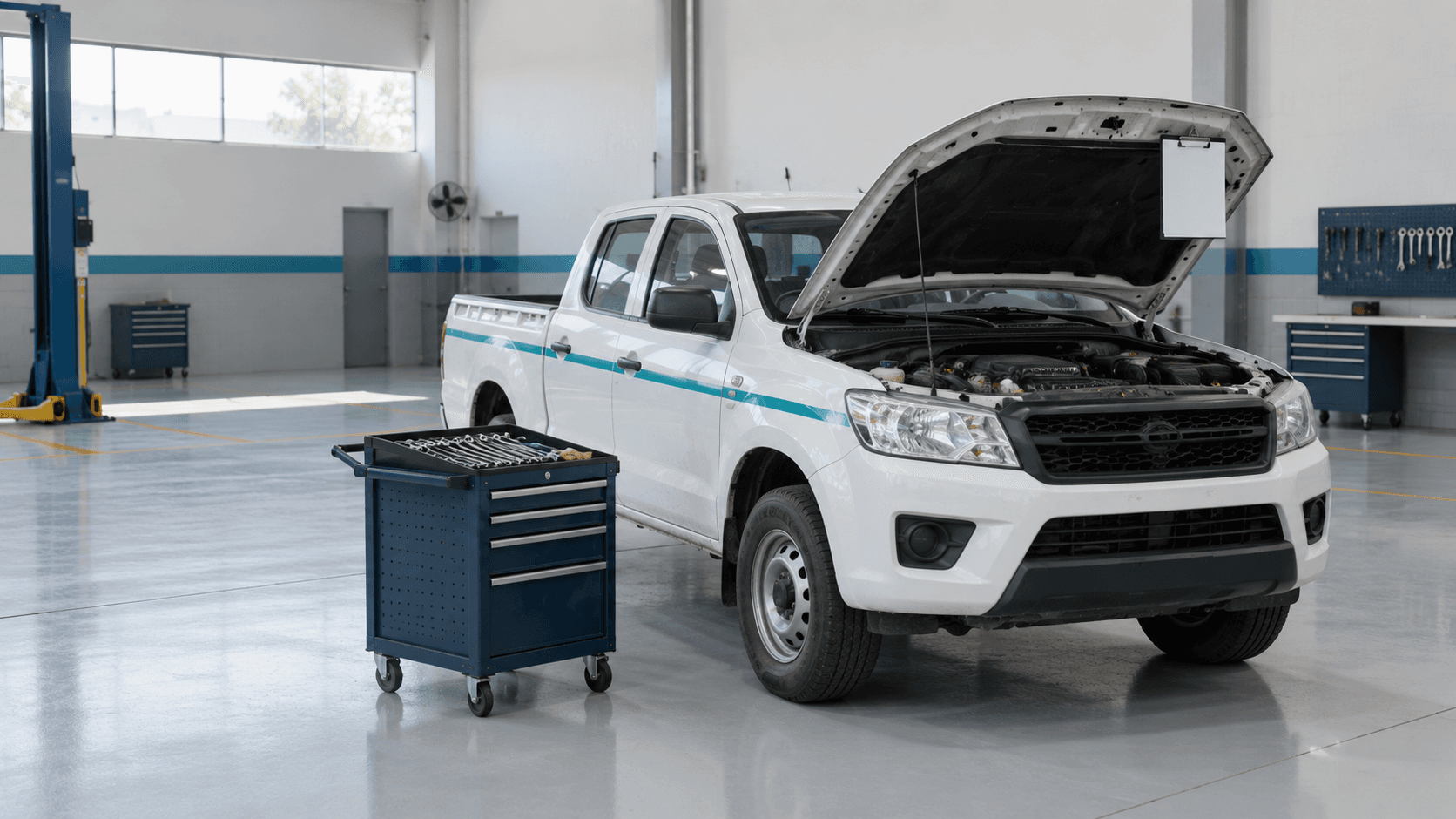
Someone needs a car to the airport at nine tomorrow. They message the fleet coordinator, who checks a whiteboard, picks a car and calls a driver. At nine, the same car has also been promised to the site team — or it is still in the workshop.
After the trip, nobody is sure how many kilometers it drove or what it cost. The odometer was not read, the driver’s hours were not counted, and the trip shows up nowhere until the fuel bill arrives.
Prosas now handles every trip as a work order: a request, an approval, a booked car and driver, a recorded start and end, and a cost worked out from the trip itself.
Why Trips Are Hard to Control
- Double booking — two people promise the same car or the same driver for the same hour
- Cars that should not move — a car waiting for brake repairs is sent on a long drive
- Guessed kilometers — the odometer is read at the end of the month, not at the end of the trip
- Unknown cost — the driver’s time and the wear on the car are never tied to the trip that used them
- Repeating trips run by memory — the daily staff bus runs on habit, so a missing driver is noticed at 7:00
The Trip Request
An employee sends a work request to the Fleet department and chooses A trip. The form asks for:
- From and to
- The leave date and time, and the return date and time
- Round trip or one way
- The number of passengers
- The reason, notes and priority
The requester does not pick the car or the driver. That is the fleet manager’s job. Once approved, the request becomes a trip work order, due back at its return time.
Booking a Car and a Driver
Only Free Cars and Drivers
When the fleet manager books a trip, Prosas lists the cars and drivers that are free for that exact time window. The manager picks from them, so a clash is rare.
The Booking Check
Every booking is checked before it is saved:
- The car is not sold, out of service or in the workshop.
- The car has no open repair that says it cannot be driven.
- The car has no other trip booked at an overlapping time.
- The driver is not on leave and has no other trip at an overlapping time.
Back-to-back trips are fine: a car that returns at 12:00 can leave again at 12:00. If a check fails, the message says what is in the way — for example, “ABC-123 is already booked on WO-2610-049, 08:00 – 12:00”.
The check runs again when the trip starts, in case two people booked in the same second or the car went to the workshop in between. The driver gets a notification as soon as they are booked.
Start Trip, End Trip
The Odometer, Read at the Right Moment
The driver — or the fleet manager — presses Start trip and enters the odometer. Prosas compares it with the car’s last known reading:
- Lower than the last reading — refused, because an odometer does not go backwards
- Higher — accepted, and the gap is noted on the trip as kilometers driven without a record
- Left empty — the last reading is used
At End trip, the driver enters the end reading and, if they filled up, the fuel. The end reading becomes the car’s new reading straight away, so the next trip starts from the right number.
The Real Times
If the driver forgot to press Start or End, the real leave and return times can be entered instead of the moment the button was pressed. A time can never be in the future, the return must come after the leave, and every corrected time is noted on the work order’s timeline with who entered it.
What a Trip Really Costs
A trip takes no manual cost lines. Its cost is worked out from the trip itself:
Trip cost = hours driven × the driver’s hourly rate + kilometers × the car’s cost per km
The driver’s hourly rate is their salary divided by 240 working hours — the same rule used for labor on every work order. The cost per kilometer is set on each vehicle.
| Part | Calculation | Cost |
|---|---|---|
| Driver | 3.5 hours × 25 per hour (salary 6,000 ÷ 240) | 87.50 |
| Vehicle | 120 km × 0.60 per km | 72.00 |
| Total | 159.50 |
Both rates are saved on the trip when it ends, so a salary raise next month does not change what last month’s trips cost. Fuel is counted from the fuel fill-ups, so it is never added twice.
Trips That Repeat: Trip Plans
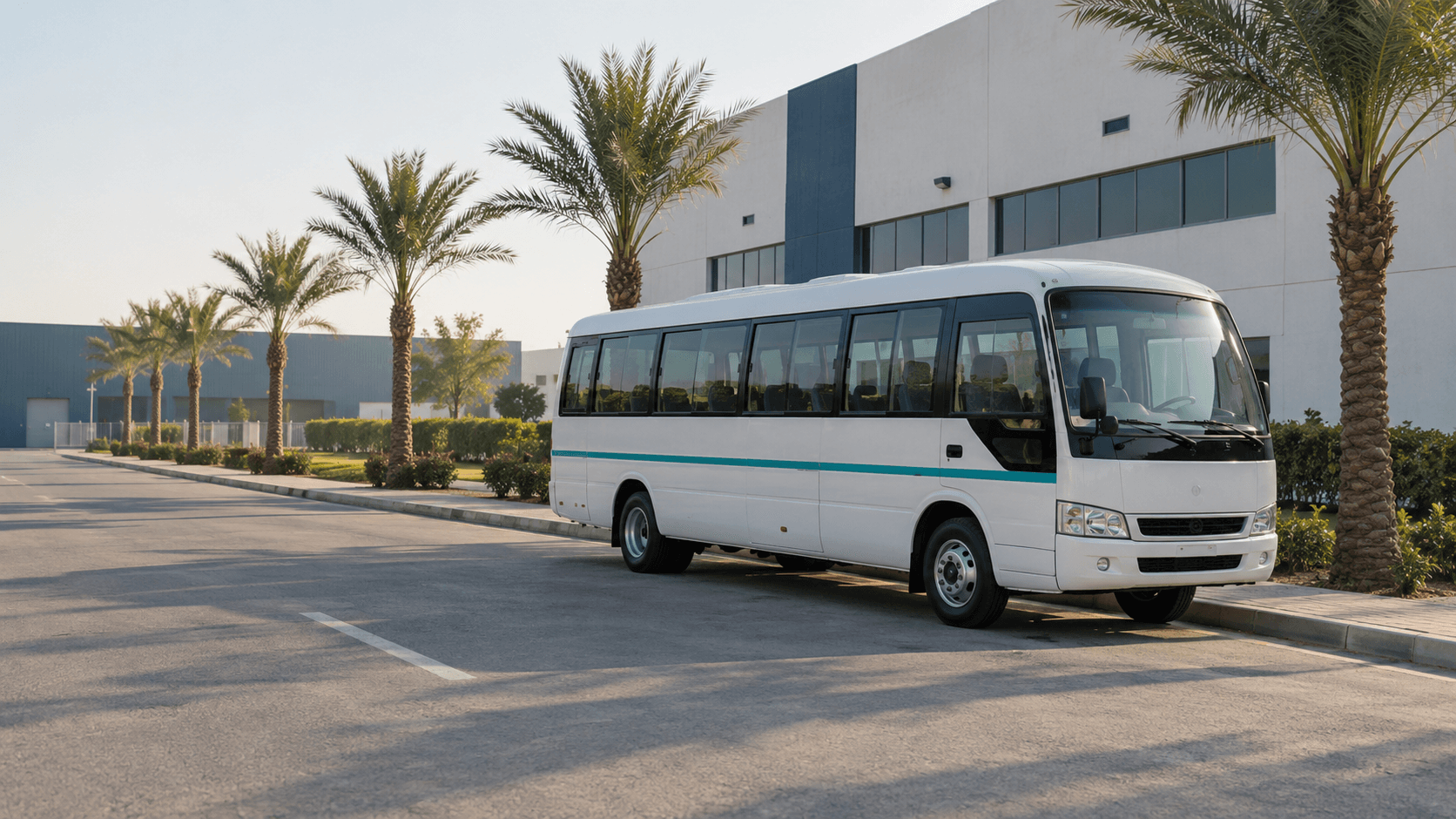
The staff bus that leaves the compound at 7:00 every Sunday to Thursday should not need a request every morning. A trip plan describes it once: the days, the leave time, how long it takes, from, to, and the usual car and driver.
Prosas then creates one trip work order for each day, seven days ahead by default:
- If the usual car and driver are free, the trip is booked automatically.
- If not — the bus is in the workshop, or the driver is on leave — the trip is created unbooked, and the fleet managers are alerted to pick another car or driver.
The driver is told once, when the plan names them, not every day. Two active plans cannot share the same car or driver at overlapping times: Prosas refuses the save and names the other plan. Pausing or editing a plan changes future trips only.
No Trip Forgotten
A trip that is still unbooked 24 hours before it leaves sends a reminder to the fleet managers, by notification and email. If nobody books it and its return time passes, Prosas cancels it on its own and notes why on the timeline, so it never shows up as overdue work.
When a trip is closed, it is added to the vehicle’s trip log, and the fleet reports — kilometers, fuel, driver statistics and trip cost — include it. Every trip now goes through a work order, so every kilometer has a booking, a driver and a cost behind it.
How to Start
- Set the cost per km on each vehicle.
- Check that every driver has a salary on their employee record, so the driver cost is not zero.
- Bring every car’s odometer up to date with one real reading.
- Turn your daily runs into trip plans, with their usual car and driver.
- Ask employees to request trips through the Fleet department, not by message.
Frequently Asked Questions
Can drivers record the odometer themselves?
Yes. The trip’s own driver can start and end it from their login. A fleet manager can do it for drivers who don’t have one.
Does a trip change the car’s status?
No. The car stays active; the booking check is what stops it from being used twice.
What happens if a trip runs late?
A trip is due at its return time. Once that passes and the trip has not ended, it shows as overdue — in plain words, the car is not back yet.
Can we still log a trip by hand?
No. Every trip is now a trip work order, so each one has a booking, an odometer reading and a cost. Trips logged by hand before the change are still shown.
Every Kilometer Accounted For
With Prosas, a trip starts as a request, gets a car and a driver that are really free, records its kilometers at the right moment and closes with a cost built from real hours and real distance. The daily bus books itself, a forgotten trip is caught before it is missed, and the trip report finally matches what happened on the road.